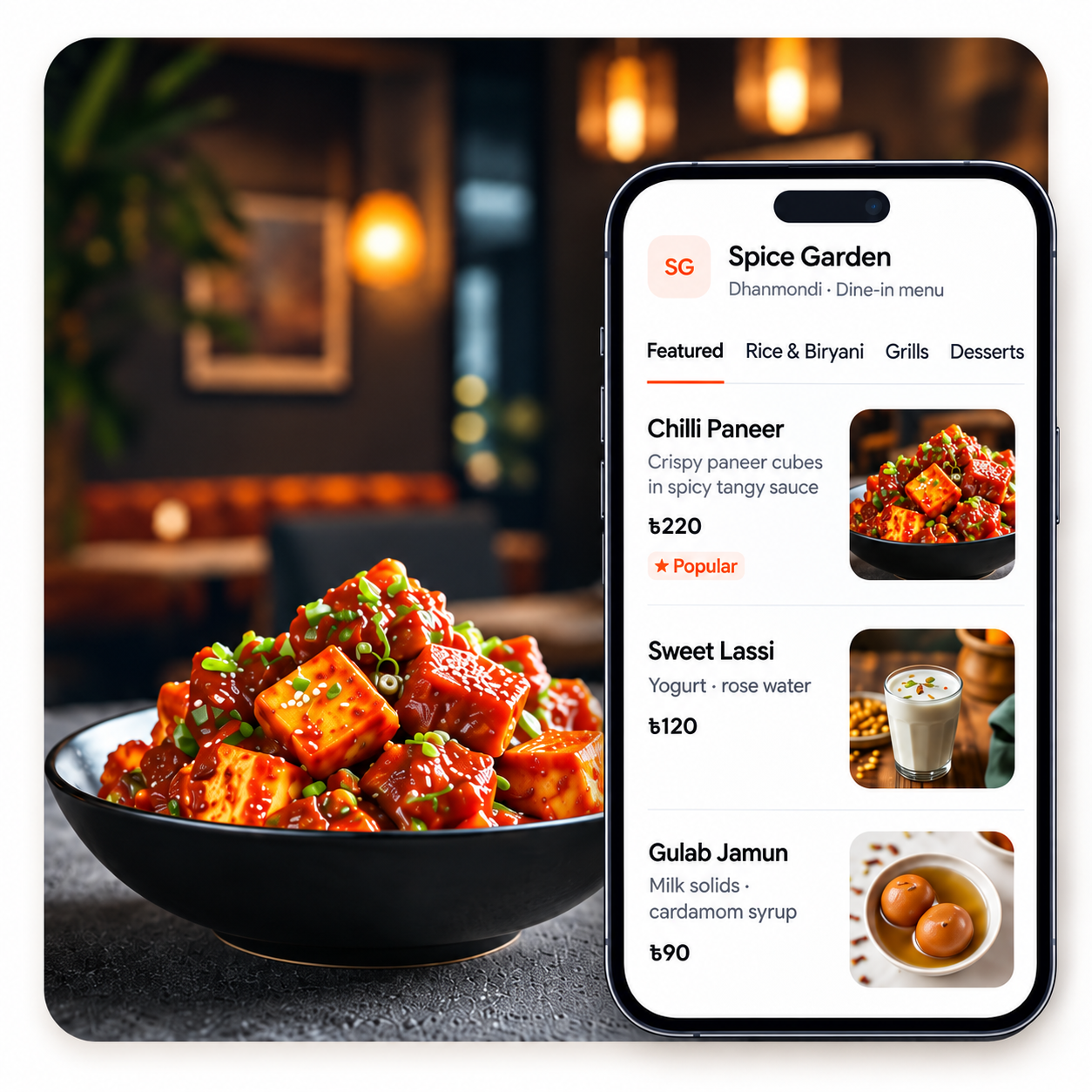
Your restaurant menu, one scan away.
Create a beautiful digital menu, share it with a QR code, and update items anytime—without reprinting menus.
How it works
- Step 1
Create your restaurant
Add your restaurant details and branding.
- Step 2
Build your menu
Add categories, items, photos, prices and promotions.
- Step 3
Share your QR
Customers scan the code and browse the latest menu instantly.
Everything you need for a simple Smart Menu
Update anytime
Change prices, availability, photos and menu items without reprinting your menu.
QR-ready
Get a shareable menu link and downloadable QR code.
Works on any phone
Customers browse directly from their browser. No app installation required.
Simple to manage
Manage categories, items and promotions from one dashboard.
Stop reprinting menus every time something changes.
When a price, dish, photo or availability changes, update TableFlow once and customers see the latest menu through the same QR code.
Ready to put your menu online?
Create your Smart Menu and start sharing it with customers.
Already have a TableFlow account? Sign in